














Best Google Pay Casinos in Canada: Quick Picks
Google Pay is one of the fastest ways to move money from an Android phone into a casino cashier. It is not universal, though. Many Canadian-facing sites list it only for deposits, some route it through a card processor, and others do not offer it at all. This guide covers the shortlist, how the method works, the provincial legal picture, and the checks that matter before your first deposit.
Pro tip: Our brand data does not confirm Google Pay at any specific operator. Treat every pick below as a candidate. Open the cashier and look for the Google Pay logo on the deposit screen before you register or claim a bonus.
Shortlist at a glance
The table lists the operators featured in this half of the guide, with their headline offer and standout feature exactly as recorded in our brand data. Ratings are our own scores out of 100.
| Casino | Our rating | Headline offer | Standout feature |
|---|---|---|---|
| Stake | 94 | Rakeback + VIP Reloads | 3.5% Rakeback From Bronze |
| BC.Game | 93 | Crypto Welcome Bonus | Provably Fair Originals |
| Roobet | 92 | VIP Cashback Perks | Interac In and Out |
| 22Casino | 91 | Up to C$2,360 + 150 FS | Kahnawake licence No. 01056 |
| Vave | 90 | Crypto welcome package (CAD value not stated) | Crypto-only, 8 coins |
| TonyBet | 89 | Up to C$2,500 + 250 FS | – |
| Casino Days | 88 | Up to C$2,000 + 100 FS | – |
| Need for Spin | 86 | Up to C$4,500 + 550 FS | Daily Bonus Map Rewards |
| Rolling Slots | 85 | Up to C$5,800 + 750 FS | 100-level loyalty programme |
| Winshark | 84 | Up to C$3,945 + 300 FS | 139 game providers |
| Spin Casino | 85 | AGCO-Regulated Ontario | C$10 deposits, all methods |
Who this guide is for
This guide is written for Canadian players who already use Google Pay for everyday purchases and want to know whether it is a sensible casino deposit method. It is most useful if you:
- play on an Android phone and want deposits confirmed with a fingerprint or PIN;
- prefer not to type card numbers into a casino cashier;
- want to understand which withdrawal method you will need, because Google Pay is usually deposit-focused;
- live outside Ontario and need to know how offshore sites fit into provincial rules.
If you are in Ontario, start with the legal section. The rules there differ from every other province, and an Ontario account cannot be switched to an offshore version of the same brand.
How Google Pay Works at Online Casinos
Google Pay is a wallet layer, not a bank account. You add a debit or credit card to Google Wallet, and the wallet sends a payment token to the merchant instead of your real card number. For a casino, the transaction looks much like a card payment. It is processed through the card network and your issuing bank.
- Funding source: the card you added to Google Wallet.
- Authentication: phone unlock, fingerprint, face unlock or device PIN.
- What the casino sees: a token and a confirmation, not your full card number.
- Who can decline: the casino, its payment processor, Google or your bank.
Tokenized card payments
Tokenization is the main security advantage. If a casino’s database were ever compromised, the stored token would be useless elsewhere. It also means your bank’s rules still apply. Some Canadian issuers block gambling merchant codes, and some may treat credit card gambling transactions as cash advances, with the interest and fees that implies. Check your card agreement before relying on a credit card in Google Wallet.
| Card in Google Wallet | Typical behaviour at a casino | What to check |
|---|---|---|
| Debit (Visa Debit / Debit Mastercard) | Money leaves your chequing account directly | Daily debit limits and gambling blocks |
| Credit card | May be declined, or coded as a cash advance | Cash-advance fees and interest in your card terms |
| Prepaid card | Acceptance varies by processor | Whether the prepaid issuer allows gambling merchants |
Deposits vs withdrawals
The most common surprise is the cash-out. Many cashiers accept Google Pay for deposits but do not list it under withdrawals. When that happens, the casino pays out to another method you have verified, such as a bank transfer, Interac e-Transfer or the underlying card if the processor supports card refunds.
- Look for Google Pay in both the deposit and withdrawal tabs.
- If it is deposit-only, pick your payout method before you play.
- Expect identity checks before the first withdrawal, whatever the method.
Fees and limits
Google itself does not usually charge the payer for a wallet transaction. Fees, if any, come from the casino’s processor or your bank. Minimum and maximum amounts are set by each casino, so a figure quoted for card deposits does not automatically apply to Google Pay. Our data confirms only a few relevant limits, for example Spin Casino’s “C$10 deposits, all methods” and Golisimo’s “Interac Deposits From C$10”.
Pro tip: Make a small first deposit, such as $20, before topping up further. It confirms that your bank accepts the merchant, shows whether a processing fee appears on your statement, and costs little if the transaction is declined and held for a few days.
Google Pay vs other Canadian methods
Google Pay competes with the methods Canadians already use at casinos. Here is how it compares on the points that matter most.
| Method | Deposits | Withdrawals | Main strength | Main drawback |
|---|---|---|---|---|
| Google Pay | Common where offered | Often not available | Fast, tokenized, no card typing | Needs a separate payout route |
| Apple Pay | Common where offered | Often not available | Same wallet model on iPhone | iOS only |
| Interac e-Transfer | Widely offered | Widely offered | Works in both directions with Canadian banks | Bank-dependent limits |
| iDebit / Instadebit | Offered at many sites | Often offered | Bank-linked, two-way | Separate account needed |
| Debit / Credit card | Widely offered | Card refunds vary | Familiar | Bank gambling blocks |
| PayPal / MuchBetter | Varies by site | Varies by site | E-wallet separation from bank | Limited operator coverage |
Is Google Pay Casino Play Legal in Canada?
Canada has no federal online gambling regulator. The Criminal Code (R.S.C. 1985, c. C-46), section 207, lets each province “conduct and manage” gambling, so the legal offer depends on where you live. Bill C-218 (2021) legalized single-event sports betting, but it did not create a national casino licence. The payment method you use does not change the legal status of the site.
| Province / region | Who runs or regulates online gaming |
|---|---|
| Ontario | AGCO + iGaming Ontario (open regulated market); OLG runs the provincial lottery |
| Alberta | AGLC + Alberta iGaming Corporation |
| British Columbia | BCLC |
| Quebec | Loto-Québec |
| Manitoba | Manitoba Liquor & Lotteries |
| Saskatchewan | SaskGaming |
| New Brunswick, Nova Scotia, PEI, Newfoundland and Labrador | Atlantic Lottery Corporation |
Ontario
Ontario is the only province with an open, regulated online market. Private operators register with the AGCO and contract with iGaming Ontario. There are currently 49 operators. Several brands on our site hold that status, including bet365 Casino, 888 Casino, Jackpot City, Spin Casino, Betway, Royal Panda and others marked “AGCO-Registered” in our data.
- Ontario residents should use the Ontario-registered version of a brand.
- Bonus marketing is restricted in Ontario, so offers seen elsewhere may not appear.
- Ontario rules do not transfer to other provinces.
Other provinces
Outside Ontario, the legal domestic offer comes from the provincial operator, such as BCLC, Loto-Québec or Atlantic Lottery Corporation. Many offshore sites still accept players from these provinces under licences issued elsewhere, for example Kahnawake. Those sites are not regulated by your province, so complaints go to the offshore licensing body, not to a Canadian authority.
- Confirm the licence number shown in the site footer.
- Read the terms for any restricted-province list.
- Remember that provincial consumer protections may not apply.
On taxes, recreational gambling winnings are generally not treated as income in Canada. Professional situations differ, and no specific rate applies in this guide. Get personal advice if gambling is a significant part of your income.
Age and help
The minimum age used throughout this guide is 19+. Help lines are provincial too, so there is no single federal number.
- Ontario: ConnexOntario, 1-866-531-2600 (text 247247).
- Other provinces: use your own province’s problem gambling line. Do not use the Ontario number if you live elsewhere.
What to Check Before You Deposit with Google Pay
A fast deposit is only useful if the rest of the journey works. Run through these checks before handing over any money.
- Is the site licensed, and is the licence number visible?
- Does it accept players from your province?
- Is Google Pay shown in the cashier, or only in marketing?
- Does a Google Pay deposit qualify for the welcome bonus?
- Which withdrawal methods are available to you?
- Which documents will verification require?
Cashier check
Payment logos in a site footer are not a promise. The cashier is the only reliable source, and what it shows can depend on your province, device and account currency. Set your account to CAD where possible to avoid conversion margins.
| What you see | What it usually means | Action |
|---|---|---|
| Google Pay button on deposit | Direct wallet support | Proceed with a small test deposit |
| Google Pay inside a card form | Processor offers the wallet at checkout | Check whether the card is debit or credit |
| No Google Pay anywhere | Not supported for your region or device | Use Interac e-Transfer or iDebit instead |
| Crypto-only cashier | Wallet payments not accepted directly | Google Pay is not a route here |
Bonus terms
Some casinos exclude certain methods from welcome offers. E-wallets are the usual target, but card-wallet payments can also be excluded. Wagering is the second thing to read. Here is a worked example with simple numbers:
- A $100 bonus with 35x wagering on the bonus only means $3,500 in wagers.
- The same $100 bonus at 35x on deposit plus bonus, with a $100 deposit, means $7,000.
- A $200 bonus at 30x on the bonus means $6,000 in wagers.
The basis of the calculation matters as much as the multiplier. That is the cheaper basis of the two shown above.
Withdrawal route
Decide how you will get paid before you deposit. The most practical pairing for Canadians is Google Pay in and Interac e-Transfer or a bank transfer out.
- Verify the payout method early by uploading ID and proof of address.
- Check for a minimum withdrawal amount in the terms.
- Note any pending period during which a withdrawal can be reversed.
- Withdraw in CAD to avoid a currency conversion on the way back.
Pro tip: Name mismatches cause many delays. Make sure the name on your Google Wallet card, your casino account and your bank account match exactly, including middle names, before the first withdrawal.
Step-by-Step: Your First Google Pay Casino Deposit
The process takes a few minutes once your wallet is set up. Follow the steps in order, because skipping verification is the most common cause of stuck withdrawals later.
Step 1: Set up Google Wallet
- Install or open Google Wallet on your Android device.
- Add a debit card from a Canadian bank and complete the bank’s verification code.
- Set a secure screen lock, because Google Pay requires one.
- Make a small everyday purchase to confirm the card works.
Step 2: Make the deposit
- Register at the casino with your legal name and address in your province.
- Set the account currency to CAD if the option exists.
- Open the cashier, choose Google Pay and enter an amount, for example $20.
- If you want the welcome offer, select it or enter the code before confirming.
- Confirm in the Google Pay sheet with your fingerprint or PIN.
- Check that the balance updates, then check your bank app for the matching charge.
Step 3: Plan the cash-out
A concrete example: you deposit $50 by Google Pay, play without a bonus, and finish at $180. The cashier lists Google Pay only for deposits.
- Pick Interac e-Transfer or bank transfer as the payout method.
- Submit ID and proof of address if you have not already.
- Request $180, or the remainder above any minimum withdrawal.
- Keep the transaction ID until the money arrives.
If a bonus was active, wagering has to be completed first. Any withdrawal request made earlier can void the bonus and its winnings.
Google Pay Casino Reviews: The Shortlist
Each review below covers one brand only, using the offer and feature recorded in our data. Google Pay availability is not stated in that data for any of these sites, so the cashier check applies to every one.
| Need | Best match in this section |
|---|---|
| Ongoing value over a one-off bonus | Stake |
| Two-way Canadian banking | Roobet |
| Licence clearly stated | 22Casino |
| Transparent wagering basis | Casino Days |
| Regulated Ontario play | Spin Casino |
Stake: rakeback instead of a big welcome package
Stake (our rating: 94) skips the large match bonus in favour of returns that build as you play. Its offer is listed as “Rakeback + VIP Reloads”, with “3.5% Rakeback From Bronze”.
- Best for: regular players who value steady returns over a single bonus.
- Bonus type: rakeback and VIP reloads; no welcome amount in our data.
- Google Pay: not stated, so check the cashier for your province.
- Watch: confirm which payout method is available to Canadian accounts.
To see the current Stake cashier options and VIP structure, open the card below.

- 15 VIP Levels to Obsidian
- CAD Cards C$5 to C$3,000
- Interac e-Transfer Payouts
BC.Game: crypto-first with provably fair games
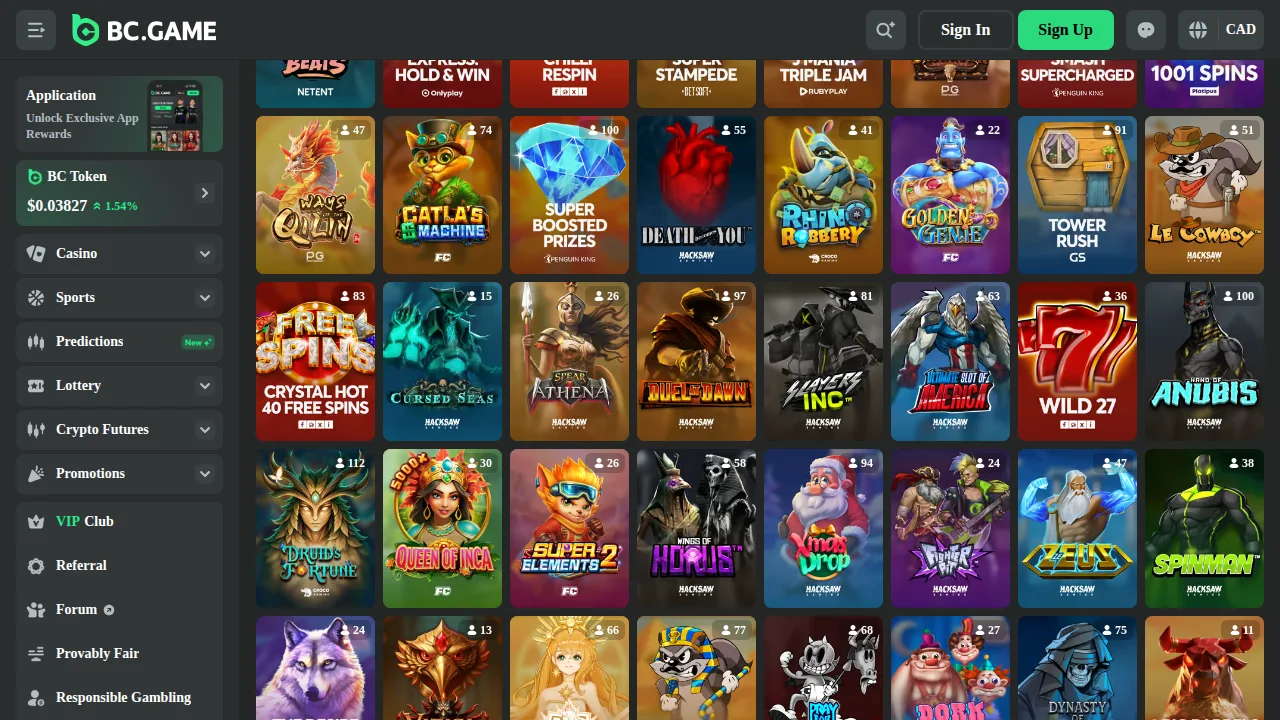
BC.Game (our rating: 93) is built around cryptocurrency. Its promotion is a “Crypto Welcome Bonus” with no CAD figure in our data, and its standout feature is “Provably Fair Originals”. These are in-house games whose results can be checked independently.
- Best for: players already holding crypto.
- Google Pay angle: any fiat or wallet on-ramp depends on the cashier for your region, so confirm it before signing up.
- Watch: crypto prices move, so a deposit’s CAD value can change before you withdraw.

- 1000+ Slots & Live Casino
- Fee-Free VIP Withdrawals
- 24/7 Live Support
Roobet: Interac both ways
Roobet (our rating: 92) is the clearest fit for players who want a Canadian banking route in both directions. Our data lists “Interac In and Out” and a “VIP Cashback Perks” promotion. That matters here, because a dependable Interac withdrawal solves the usual Google Pay payout gap.
- Best for: players who want a guaranteed Canadian cash-out route.
- Bonus type: VIP cashback; no welcome amount in our data.
- Google Pay: not stated; Interac covers deposits if Google Pay is absent.
22Casino: stated licence and a clear welcome offer
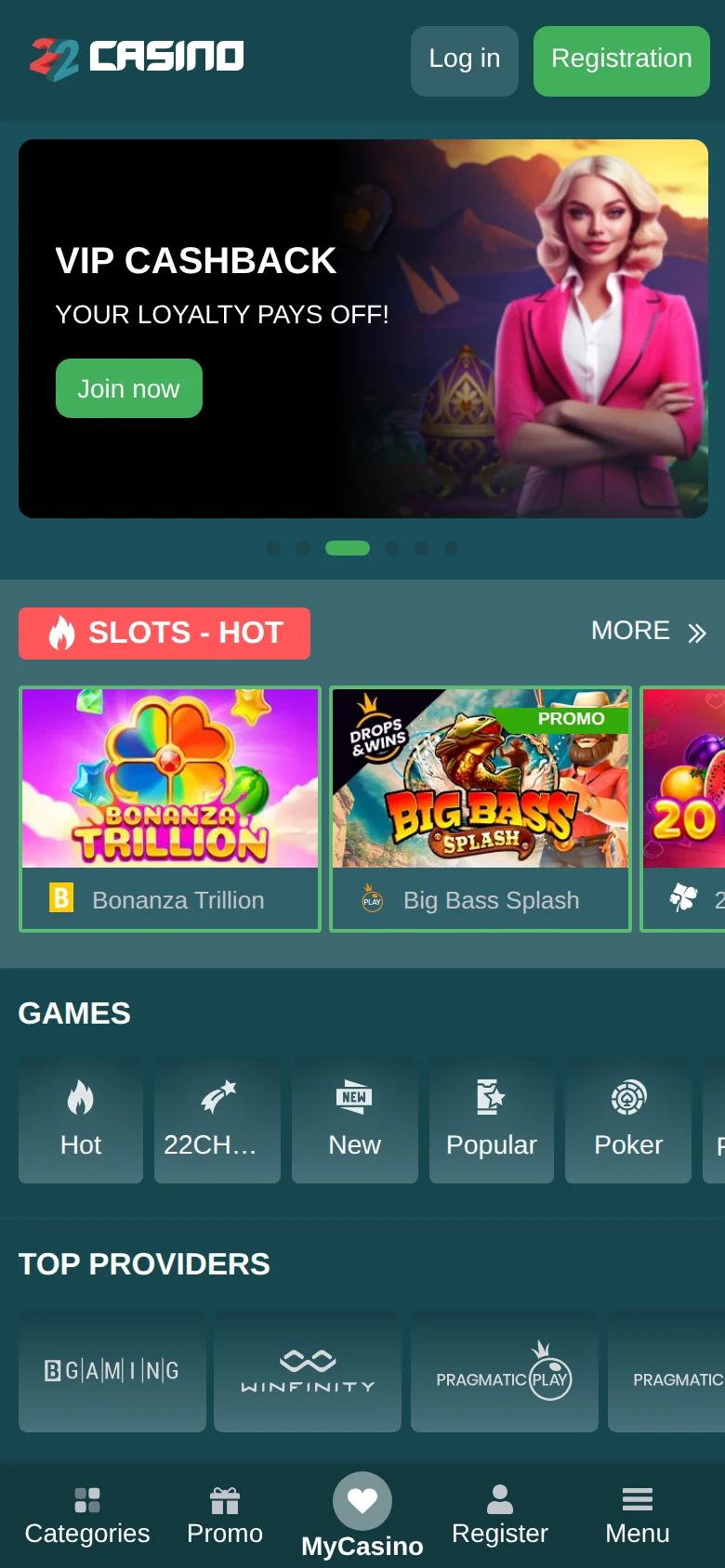
22Casino (our rating: 91) shows its licence plainly: “Kahnawake licence No. 01056”. Its welcome offer in our data is “Up to C$2,360 + 150 FS”. As with any “up to” package, the full amount usually requires several deposits, so read how it is split.
- Best for: mobile players who want a stated offshore licence.
- Check: whether Google Pay deposits qualify for the welcome package.
- Check: the wagering multiplier and its basis in the bonus terms.

- 24/7/365 live chat support
- 10% extra on crypto deposits
- Self-exclusion up to 5 years
Vave: crypto-only, so plan accordingly
Vave (our rating: 90) is listed as “Crypto-only, 8 coins”. Its welcome package is quoted in bitcoin, and the CAD value is not stated, so no CAD figure is given here. For this guide, the key point is practical rather than promotional.
- A crypto-only cashier means Google Pay is not a direct deposit route.
- You would need to buy crypto elsewhere first, which adds steps and exchange spreads.
- Withdrawals also arrive in crypto, not to a Canadian bank account.
Vave suits players already comfortable with crypto wallets. If Google Pay is your main reason for choosing a casino, the other sites in this list are a more direct fit.
TonyBet: two versions, check which one you see
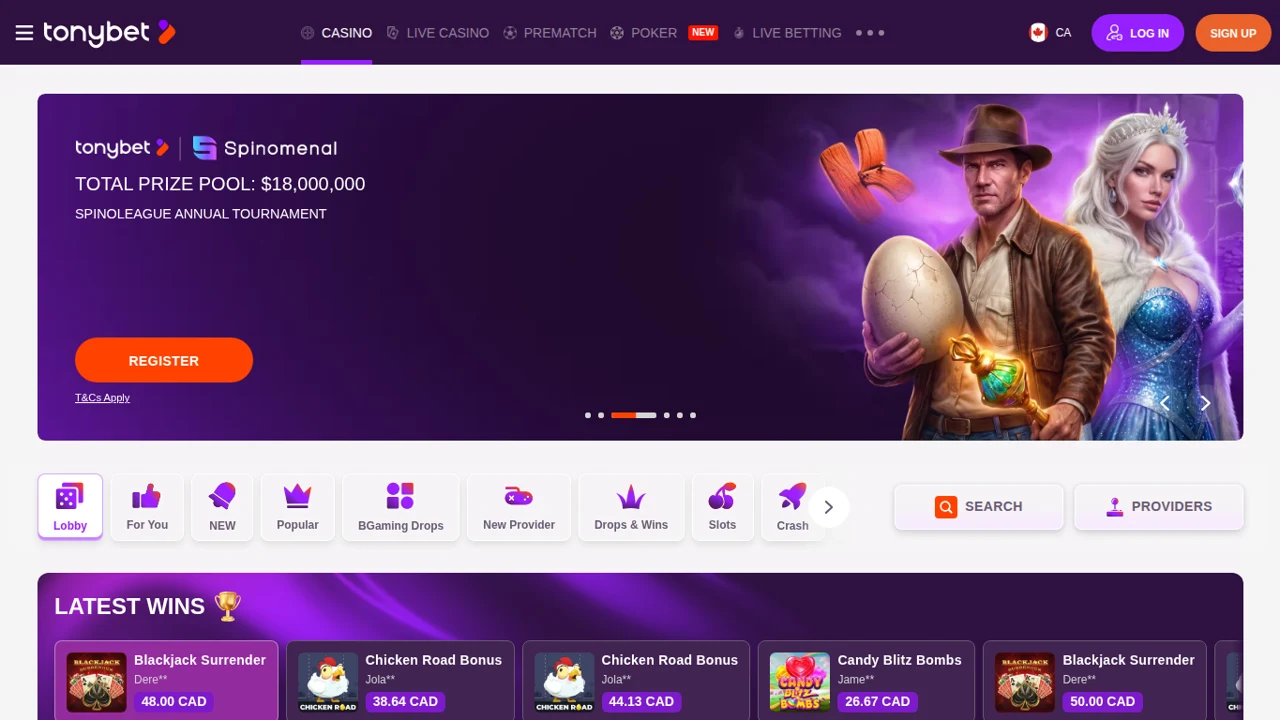
TonyBet appears twice in our data. One listing (our rating: 89) shows “Up to C$2,500 + 250 FS” with “30x welcome wagering”. The other (our rating: 85) is the Ontario-registered site, “AGCO OPIG1239101”, with “43 slot providers”. Ontario residents see the regulated site, and its promotions follow Ontario rules.
- Worked example: a $200 bonus at 30x means $6,000 in wagers, if the multiplier applies to the bonus only.
- Check: whether the 30x is on the bonus or on deposit plus bonus.
- Google Pay: not stated for either version.


- Kahnawake licence No. 00902
- VIP cashback up to 10%
- Sportsbook and Omaha poker
Casino Days: wagering on the bonus only
Casino Days (our rating: 88) offers “Up to C$2,000 + 100 FS”. Its standout feature is the one this guide values most in bonus terms: “35x Wagering on Bonus Only”. Your deposit is not part of the playthrough calculation, which keeps the required turnover lower.
- Worked example: a $100 bonus at 35x means $3,500 in wagers.
- Best for: players who want to estimate playthrough before depositing.
- Check: which deposit methods count toward the offer.

- Interac Payouts From C$10
- 6,500+ Games, 1,000+ Live
- iOS and Android Apps
Need for Spin: daily rewards on top of the welcome
Need for Spin (our rating: 86) lists “Up to C$4,500 + 550 FS” and “Daily Bonus Map Rewards”. Its value sits in the ongoing map-style rewards as much as in the welcome package, so it suits players who log in often.
- Best for: frequent short sessions on mobile.
- Check: how many deposits the welcome package is spread across.
- Check: wagering and maximum bet rules while a bonus is active.
- Google Pay: not stated, so confirm in the cashier.
Rolling Slots: the largest package in this list
Rolling Slots (our rating: 85) shows “Up to C$5,800 + 750 FS”, the biggest headline figure among the brands reviewed here. It also runs a “100-level loyalty programme”. A larger package usually means more deposits and more wagering to unlock it, so read the terms before chasing the full figure.
- Best for: high-volume slot players.
- Mistake to avoid: depositing more than planned just to unlock the next stage.
- Check: free spin value and expiry dates.

- 15,000+ games claimed
- Daily cashback 5%, VIP 7%
- 24/7 live chat and email
Winshark: the widest game library
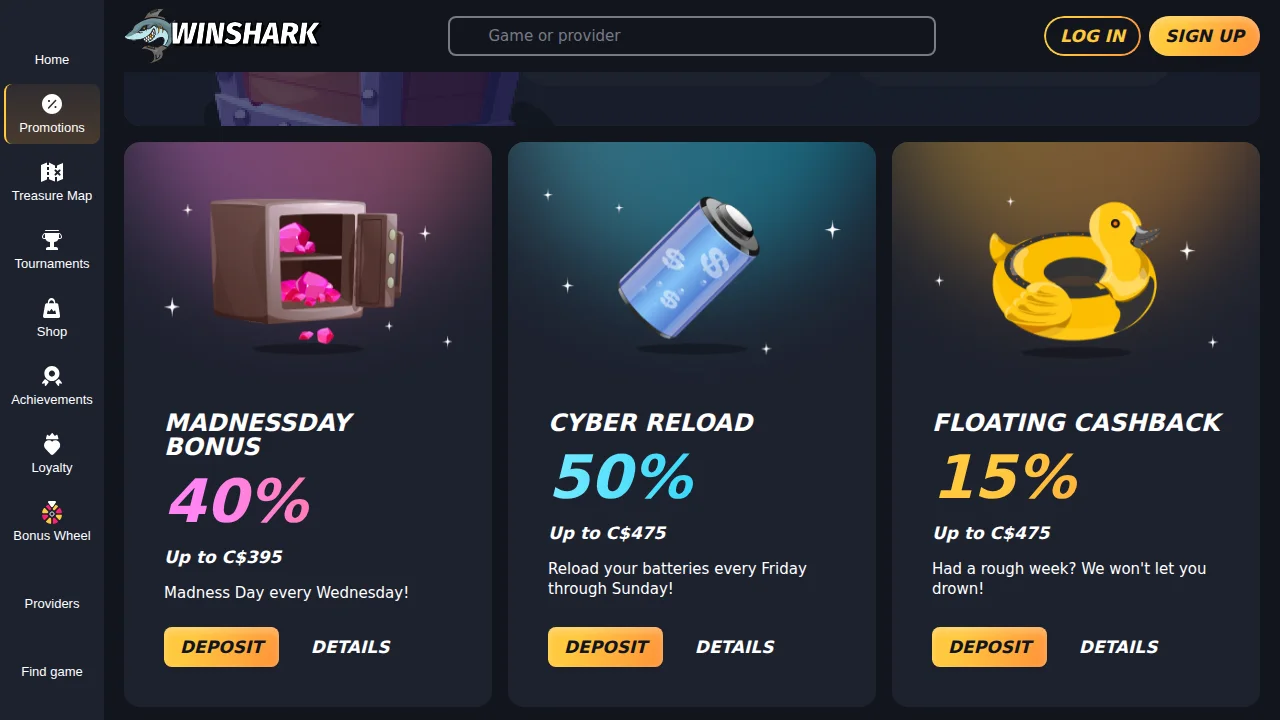
Winshark (our rating: 84) offers “Up to C$3,945 + 300 FS” and lists “139 game providers”, the broadest library in our data for this section.
- Best for: players who want variety across many studios.
- Check: which games are excluded from bonus wagering.
- Google Pay: not stated, so verify the cashier before registering.

- Weekly cashback up to 15%
- Wednesday and weekend reloads
- Curaçao GCB OGL/2024/589/0556
Spin Casino: the regulated Ontario option
Spin Casino (our rating: 85) is listed as “AGCO-Regulated Ontario” with “C$10 deposits, all methods”. For Ontario residents, that combination means regulated play with a low entry point across every listed cashier method.
- Best for: Ontario players who want a regulated site.
- Low-stakes example: a $10 test deposit confirms that your card or wallet works before you commit more.
- Help: ConnexOntario, 1-866-531-2600, for Ontario residents.
- Licence OPIG1237906
- iOS app by Cadtree Limited
- 24/7 live chat
Google Pay Casinos Compared Side by Side
The reviews above cover each casino on its own. The table below lines them up so you can compare offers and standout features at a glance. Two rows carry the TonyBet name because the brand runs separate offshore and Ontario sites with different terms. Which version you see depends on where you are.
| Casino | Headline offer | Standout feature | Best fit |
|---|---|---|---|
| Stake | Rakeback + VIP Reloads | 3.5% Rakeback From Bronze | Regular players who prefer ongoing returns |
| BC.Game | Crypto Welcome Bonus | Provably Fair Originals | Crypto holders |
| Roobet | VIP Cashback Perks | Interac In and Out | Players who want one bank route for deposits and cash-outs |
| 22Casino | Up to $2,360 + 150 FS | Kahnawake licence No. 01056 | Players who want a stated licence |
| Vave | – | Crypto-only, 8 coins | Crypto-only play (no Google Pay) |
| TonyBet (offshore) | Up to $2,500 + 250 FS | – | Players outside Ontario |
| TonyBet (Ontario) | AGCO OPIG1239101 | 43 slot providers | Ontario residents |
| Casino Days | Up to $2,000 + 100 FS | – | Bonus hunters who care about rollover |
| Need for Spin | Up to $4,500 + 550 FS | Daily Bonus Map Rewards | Players who log in often |
| Rolling Slots | Up to $5,800 + 750 FS | 100-level loyalty programme | Long-term loyalty players |
| Winshark | Up to $3,945 + 300 FS | 139 game providers | Game variety |
| Spin Casino | AGCO-Regulated Ontario | $10 deposits, all methods | Ontario players on a small budget |
How to read the table
The bigger number is not automatically the better deal. A package spread over several deposits only pays its full value if you make every one of those deposits and clear the wagering on each. For a Google Pay player who plans a single $50 deposit, a smaller offer with lighter rollover can be worth more. So can a rakeback scheme with no rollover at all.
- Offer type: a match bonus, rakeback, cashback, or a regulatory status instead of a bonus.
- Feature: the detail most likely to change how you play or get paid.
- Fit: a starting point only. Check the live cashier for Google Pay before you sign up.
Bonus Maths for Google Pay Deposits
A Google Pay deposit usually counts toward a welcome bonus just like a card deposit, because the casino sees a tokenized card. Some sites leave certain wallets out of bonus eligibility, though, so check the payment-method clause in the bonus terms. Once you know the deposit qualifies, the number that matters is the wagering requirement, and in particular what that multiplier applies to.
Bonus-only vs deposit-plus-bonus wagering
The same multiplier can produce very different totals. The figures below are a hypothetical $100 deposit with a $100 matched bonus. They are not any casino’s actual offer.
| Wagering basis | Multiplier | Amount it applies to | Total to wager |
|---|---|---|---|
| Bonus only | 35x | $100 | $3,500 |
| Deposit + bonus | 35x | $200 | $7,000 |
| Bonus only | 30x | $100 | $3,000 |
| Deposit + bonus | 30x | $200 | $6,000 |
Worked example: 35x on the bonus only
In the hypothetical above, you would need to wager $3,500 before the bonus money and any winnings from it can be withdrawn. At $1 per spin, that is roughly 3,500 spins. Slots usually count 100% toward wagering. Table games often count less, so the real number of rounds can be much higher if you play blackjack.
- Bet size: $1 per spin
- Required turnover: $3,500
- Approximate spins: 3,500
- Time at about 10 spins a minute: close to six hours of play
Worked example: 30x welcome wagering
The listing does not say whether the 30x applies to the bonus alone or to the deposit plus the bonus, and that detail doubles or halves the work. Check the bonus terms on the page before depositing. The table above shows how wide the range is: $3,000 or $6,000 on the same hypothetical $100 bonus.
Pro tip: before you tap the Google Pay button, write down three numbers from the bonus terms: the multiplier, the maximum bet allowed while wagering, and the expiry date. If any of the three is missing or unclear, ask support before you deposit, not after. A single spin above the maximum bet can void the whole bonus.
Multi-deposit packages
Rolling Slots (up to $5,800 + 750 FS), Need for Spin (up to $4,500 + 550 FS) and Winshark (up to $3,945 + 300 FS) advertise the largest headline figures on this list. These totals typically come from several deposits, each with its own match and spin allocation. The full amount is only reached if you deposit enough each time. Treat the first deposit as the only one you are committed to.
Free spins: value per spin
Free spins carry a fixed stake per spin that the casino sets. Their value is spin count × stake per spin, and that amount is often subject to its own wagering. If the stake per spin is not stated in the terms, you cannot value the spins accurately. Count them as a bonus extra rather than part of your budget.
Getting Paid: Plan Your Cash-Out Before You Deposit
This is where most Google Pay players get caught out. You deposit in seconds from your phone, win, and then find that the cashier offers no Google Pay withdrawal option. That is normal, not a red flag. It does mean you need a second payment method set up and verified in advance.
Why Google Pay is mostly deposit-only
Google Pay passes a tokenized version of your card to the casino. Sending money back requires the merchant and card issuer to support refunds or payouts to that card, and many casino payment setups do not. Casinos also often have anti-money-laundering rules that require winnings to go back to a method in your name that they can verify directly.
Common cash-out routes in Canada
| Method | Typical use | What to check |
|---|---|---|
| Interac e-Transfer | The most common Canadian cash-out route | Minimum withdrawal, per-transaction limits |
| Debit/Credit card | Payout to the card behind your Google Pay token | Whether your issuer accepts gambling credits |
| iDebit/Instadebit | Bank-linked e-wallet | Account verification on the wallet side |
| Bank transfer | Larger withdrawals | Processing time, bank details on file |
| Crypto | Crypto-first sites such as Stake, BC.Game and Vave | Network fees, wallet address accuracy |
Identity verification (KYC)
Expect to verify your identity before the first withdrawal is approved. Uploading documents early, right after registration, avoids delays when you actually want your money. Typical requests include:
- Government photo ID (driver’s licence or passport)
- Proof of address dated within the last few months (utility bill or bank statement)
- Proof of payment method, such as a card photo with middle digits covered
- Occasionally a selfie holding your ID
A realistic cash-out sequence
The sequence below is a typical order of events, not a timetable for any specific casino. Processing times vary by operator and method. Each casino’s cashier page is the place to check its stated times.
- Deposit $50 with Google Pay.
- Upload ID and proof of address the same day.
- Add Interac e-Transfer or your bank details as the withdrawal method.
- Request a withdrawal; it enters a pending period set by the casino.
- The casino approves the request, and the payment provider sends the funds.
Pro tip: if you hold an active bonus, withdrawing before you finish wagering usually cancels the bonus and any winnings from it. If you only want to test the cash-out route, do it with a small deposit made without a bonus. That way a $20 withdrawal tells you how the process works without putting a bonus at risk.
Google Pay on Mobile and Desktop
Google Pay was built for Android, and the smoothest casino deposits happen there. On a supported phone, the Google Pay button appears in the casino cashier, and you confirm the payment with your fingerprint, face unlock or screen PIN. No card number is typed and none is stored by the casino.
The Android checkout flow
- Open the casino in Chrome or the casino’s app, if it has one.
- Go to Cashier, then Deposit, then select Google Pay.
- Enter the amount in CAD.
- Choose the card in your Google Wallet and confirm with biometrics.
- Check that the balance updates before you open a game.

Desktop deposits
On a laptop, Google Pay works through Chrome when you are signed in to the Google account that holds your card. Some cashiers only show the button on mobile, so if it is missing on desktop, try your phone before assuming the method is unavailable. The rules on bonuses and limits are the same either way.
Security features worth knowing
- Tokenization: the casino receives a device token, not your card number.
- Device authentication: every payment needs your screen lock or biometrics.
- Remote wipe: Google’s Find My Device lets you lock or erase a lost phone.
- Bank controls: many Canadian banks let you block gambling transactions in their app if you ever need a pause.
Try the Games in Demo Mode First
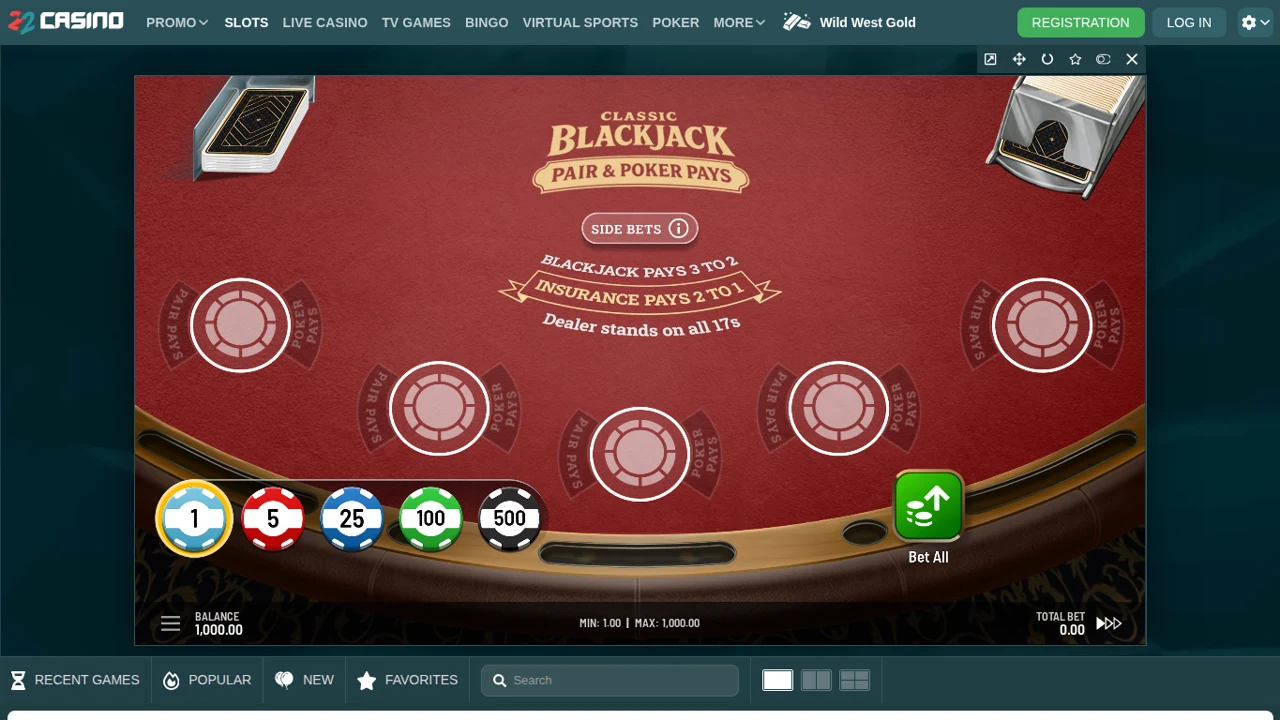
Before you put real money in, use the free demo versions most casinos offer. Demos run on the same game maths as real-money play. You can learn the rules, test the bet sizes and see how volatile a slot feels at no cost.
What to practise in a demo
- Blackjack basic strategy: when to hit, stand, double or split
- How fast a slot burns through a $100 demo balance at $1 per spin
- Bonus-feature triggers and how often they appear
- The minimum and maximum bets, which affect bonus maximum-bet rules
Match volatility to your deposit
A $20 Google Pay deposit on a high-volatility slot can disappear in a few dozen spins, with any big wins arriving rarely. Lower-volatility games pay smaller amounts more often and stretch a small balance further. If you are clearing wagering, steadier games usually give you a better chance of reaching the target with something left.
| Game style | Win pattern | Suits |
|---|---|---|
| Low-volatility slots | Frequent small wins | Small deposits, wagering |
| High-volatility slots | Rare large wins | Bigger bankrolls, short sessions |
| Blackjack (basic strategy) | Steady, with a low house edge | Players who learn the rules; check its bonus contribution |
| Live dealer tables | Varies by game | Real-time play; often excluded from bonuses |
Common Mistakes to Avoid
Most problems with Google Pay casino play are not caused by the payment method. They come from skipping a check before depositing. These are the mistakes that come up most often.
Payment mistakes
- Assuming you can withdraw to Google Pay. Set up Interac, a bank account or a card for payouts first.
- Depositing at a crypto-only site. Vave, for example, is crypto-only, so Google Pay is not an option there.
- Ignoring card-issuer blocks. Some Canadian credit cards decline gambling transactions or treat them as cash advances. Test with $10 first.
- Using someone else’s card. Payment details must match the account holder, or withdrawals can be frozen.
Bonus mistakes
- Not checking whether Google Pay deposits qualify for the welcome offer
- Betting above the maximum stake while the bonus is active
- Playing excluded games that contribute 0% to wagering
- Letting a bonus expire because the deadline was shorter than expected
- Chasing every stage of a multi-deposit package beyond your budget
Regulatory mistakes
Ontario residents sometimes register at offshore sites without realising that the province has its own regulated market. Players elsewhere sometimes assume Ontario’s rules and protections apply in their province. They do not. Each province sets its own framework, so check what is available where you actually live.
- Know your province’s minimum gambling age; it is 19+ in Ontario.
- Check whether a casino states a licence and which body issued it.
- Do not use a VPN to get around location checks. It breaks most casinos’ terms and can void winnings.
Budgeting Your Google Pay Deposits
Google Pay’s speed is its strength and its risk. When a deposit takes two taps, it is easy to add “just one more” $20. A written budget, set before you play, removes that decision from the heat of the moment.
Example: a $200 monthly budget
| Week | Planned deposit | Purpose | Running total |
|---|---|---|---|
| 1 | $10 | Test that Google Pay works in the cashier | $10 |
| 1 | $50 | First real session, no bonus | $60 |
| 2 | $50 | Session | $110 |
| 3 | $50 | Session | $160 |
| 4 | $40 | Final session; stop at $200 | $200 |
Any winnings you withdraw are not added back to the budget. If week two empties the planned amount, week three’s deposit does not come early. The table is simple on purpose. The rule is what does the work.
Tools that help
- Casino deposit limits: set daily, weekly or monthly caps in your account settings.
- Session reminders: pop-ups that show how long you have been playing.
- Cool-off and self-exclusion: short breaks or longer closures, available at regulated Ontario sites.
- Bank controls: gambling blocks in your banking app, where your bank offers them.
Pro tip: keep only one card in the Google Wallet you use for casino deposits, ideally a debit card linked to a separate account that holds your monthly entertainment budget. When that account is empty, the Google Pay button simply stops working, and you hit a natural limit instead of reaching for credit.
Alternatives If Google Pay Isn’t in the Cashier
Payment options change, and a cashier can look different for different provinces or devices. If Google Pay is missing, you have two choices: pick another casino on our site, or keep the casino and use another payment method.
Ontario-regulated options
Ontario residents who want an AGCO-regulated site have several choices beyond Spin Casino. Check each cashier for Google Pay. If it is not listed, Interac and cards are standard at regulated Ontario sites. bet365 Casino is AGCO-registered in Ontario and lists a 2-hour payout target.

Jackpot City Casino is also AGCO-registered in Ontario and lists Visa payouts in 1–24 hours. That matters if you deposit with a Visa card through Google Pay and want the payout to go to the same card.

- iOS and Android apps
- Toll-free phone support
- Exclusive Gold Blitz slot
888 Casino is AGCO-regulated in Ontario, and its live casino includes 888 Exclusive tables.
- C$5 minimum withdrawal
- Toll-free phone support
- Casino, poker and sportsbook
Other payment methods
- Interac e-Transfer: the default for most Canadians, often available for both deposits and withdrawals.
- Apple Pay: the iPhone equivalent of Google Pay, with the same tokenized approach.
- iDebit/Instadebit: bank-linked wallets that often allow withdrawals.
- PayPal and MuchBetter: e-wallets, where the casino offers them.
- Debit/Credit card: direct card entry, if you do not mind typing the number.
Responsible Gambling in Canada
Support services in Canada are organised by province, just like gambling regulation. There is no single national helpline, so the right number depends on where you live.
Ontario
- ConnexOntario: 1-866-531-2600
- Text: 247247
- Free, confidential, and available to Ontario residents
Other provinces
Outside Ontario, the provincial lottery and gaming bodies (BCLC, Loto-Québec, AGLC, Manitoba Liquor & Lotteries, SaskGaming and Atlantic Lottery Corporation) run responsible-gambling programmes and point to local support services. Look up your own province’s helpline. Do not use Ontario’s line if you live elsewhere, because it is set up for Ontario residents.
Warning signs
- Depositing again right after a loss to “win it back”
- Going over the budget you set at the start of the month
- Hiding deposits or bank statements from family
- Using credit or borrowed money to fund play
- Feeling anxious or irritable when you cannot play
Google Pay Casino FAQ
Can I withdraw casino winnings to Google Pay?
Usually not. Most casinos accept Google Pay for deposits only. Plan to withdraw by Interac e-Transfer, bank transfer, a card or an e-wallet, and add that method before your first cash-out.
Does Google Pay charge a fee for casino deposits?
Google does not normally charge you for paying with Google Pay. Your card issuer may still treat a gambling transaction made with a credit card as a cash advance, with its own fees and interest. Check your card’s terms, or use a debit card.
Do Google Pay deposits qualify for welcome bonuses?
Often, but not always. Some bonus terms exclude certain payment methods. Read the payment clause in the bonus terms, or ask support before depositing.
What is the smallest Google Pay deposit I can make?
It depends on the casino. Spin Casino, for example, lists $10 deposits across all methods. Check the minimum shown in the cashier for each site.
Can I use Google Pay on an iPhone?
Google Pay’s in-store and in-app wallet is built for Android. iPhone users generally use Apple Pay instead, which works in a similar tokenized way where casinos offer it.
Is my card number shared with the casino?
No. Google Pay sends a token in place of your real card number, so the casino never stores your actual card details.
Can I use Google Pay at crypto-only casinos?
No. Sites such as Vave accept crypto only. You would need to buy crypto elsewhere and send it from a wallet, which is a separate process with its own risks and fees.
Are gambling winnings taxed in Canada?
For recreational players, gambling winnings are generally not treated as taxable income in Canada. The position can differ for people who gamble as a business. If you are unsure, speak to a tax professional.
Which casino is best for Ontario players using Google Pay?
Ontario residents should look first at AGCO-regulated sites such as Spin Casino or the Ontario version of TonyBet (AGCO OPIG1239101), and confirm Google Pay appears in the cashier from an Ontario location.
What should I do if a Google Pay deposit fails?
- Check that the card in Google Wallet is active and has funds.
- Confirm that your bank allows gambling transactions.
- Try the same amount with a different card in your wallet.
- Contact casino support with the time and amount of the attempt.
How old do I need to be?
You must be 19+ in Ontario. The minimum age is set by each province, so check the rule where you live before registering.
Final Verdict
Google Pay is one of the fastest and most private ways to fund a casino account from an Android phone. Its limits are predictable: deposits are easy, and withdrawals need a second method. Pick the casino based on what happens after the deposit: the wagering basis, the cash-out route, and whether you are in Ontario’s regulated market or not.
- Ontario residents: start with AGCO-regulated sites such as Spin Casino.
- Crypto users: Stake, BC.Game and Vave suit you better than Google Pay does.
- Everyone: deposit $10 first, verify early, and set your limit before you play.
Google Pay Security Features That Protect Your Casino Deposits
Google Pay is often chosen less for speed than for what it keeps away from the casino. When you pay with Google Pay, the merchant doesn’t receive your actual card number. Your bank card is replaced by a token, a device-specific virtual account number, and each transaction is authorised with a one-time cryptographic code. If a casino’s payment processor were ever compromised, the stored data would not be your real card details.
Three layers do most of the work:
- Tokenisation: The card number stored on your phone differs from the one printed on your card. Casinos and their processors only ever see the token.
- Device authentication: Each payment requires your screen lock, fingerprint, face unlock or PIN. Someone who picks up your unlocked phone still can’t easily push through a deposit without that step.
- Issuer controls: Your bank still approves or declines every transaction. Any alerts, spending limits or merchant-category blocks you’ve set on the card apply to Google Pay payments too.
Google Pay protects the payment, not the casino account. A strong, unique password and two-factor authentication on your casino login matter just as much. Tokenisation stops nobody who already knows your casino password from playing with your balance or changing your withdrawal details.
Google Pay vs Google Wallet: Clearing Up the Names
Canadian players are often confused by the branding. In Canada, the app on your Android phone where you store bank cards is Google Wallet. Online checkouts, including casino cashiers, usually still show a Google Pay button. Both use the same cards and the same tokenisation. “Google Pay” describes the payment method at checkout, and “Google Wallet” describes the app that holds your cards.
In practice:
- To add or remove a card, open Google Wallet (or your Google account’s payment settings on desktop).
- To deposit at a casino, select Google Pay in the cashier and confirm with your device lock.
- If a support agent asks how you paid, “Google Pay” is the term they’ll recognise. Your statement will normally show the merchant or payment processor name, not “Google”.
Older guides and forum posts that use the names as if they were rival services describe the same system, so don’t let them confuse you.
Credit Card or Debit Card Behind Google Pay?
Google Pay doesn’t move money itself. It passes the payment to whichever card you selected, and that card’s rules then apply to your casino deposit. Most players never think about this, though it affects cost, approval rates and spending control.
Using a credit card
Some card issuers classify gambling transactions differently from ordinary purchases. Depending on your card agreement, a casino deposit may be:
- treated as a cash advance, which can mean a separate fee and interest from day one with no grace period;
- excluded from rewards points or cashback;
- declined outright if your issuer blocks gambling merchant codes.
Read your cardholder agreement or ask your bank before you assume a credit-card deposit costs the same as a grocery purchase. Borrowing to gamble also adds a debt risk to a form of entertainment that should only ever use spare money.
Using a debit card
A debit card linked to Google Pay takes money directly from your chequing account. You avoid cash-advance treatment and interest, and you can only spend what’s in the account. Many players find this a natural brake on overspending. Not every Canadian debit card can be added to Google Wallet for online payments, so check that your card shows as eligible in the app before relying on it.
A practical approach
Some players open a separate low-balance account just for entertainment spending and link only that card to Google Pay. Gambling transactions then sit apart from bills and savings, and you always know exactly how much is available to play with.
Why Google Pay Casino Deposits Get Declined
A declined deposit is frustrating, but it usually has a clear cause. Before contacting support, work through these common reasons.
- Your bank blocks gambling transactions. Some issuers decline gambling merchant categories by default or let you switch them off. Your banking app or a call to your bank will confirm this.
- The card isn’t eligible for online Google Pay use. A card can work at a tap terminal yet still be limited for in-app or web payments. Check the card’s status in Google Wallet.
- Daily or per-transaction limits. Your bank’s limits apply even when Google Pay is the front end. A deposit above your daily limit fails no matter how much money is in the account.
- Casino-side limits. The cashier may have minimum and maximum amounts for Google Pay that differ from other methods. Check the payment page before entering an amount.
- Location or geolocation checks. Ontario-regulated sites must confirm you’re physically inside the province. If location checks fail, the deposit may be blocked even though Google Pay works fine.
- Name or account mismatch. If the cardholder name doesn’t match your verified casino account, the payment may be stopped for security reasons. Only ever use cards in your own name.
- Outdated app or browser. An old version of Google Play services, Chrome or the casino app can break the payment sheet. Update and try again.
Avoid firing off repeated attempts. Several declines in quick succession can trigger fraud monitoring at your bank and lead to a temporary freeze on the card. Wait, find the cause, then retry once.
What Happens If You Lose Your Phone
Your phone now holds a payment method, so losing it is more serious than a cracked screen. Google Pay is built so that the card behind it stays protected, but you should still act quickly.
- Lock or erase the device remotely. Google’s Find My Device service lets you lock the phone, show a contact message on the screen, or wipe it. Wiping removes the stored payment tokens.
- Remove cards from your Google account. From another device, sign in to your Google account and remove the cards linked to the lost phone.
- Tell your bank. Your bank can suspend the token on the lost device without cancelling the physical card, so you keep using it everywhere else.
- Secure your casino accounts. If your casino apps were logged in, change those passwords from a different device and sign out of all active sessions if the site allows it.
- Review recent transactions. Check your bank statement and your casino transaction history for anything you don’t recognise.
Because every Google Pay payment needs your screen lock or biometric check, a thief is unlikely to be able to deposit with a locked phone. These steps close the remaining gaps.
How Google Pay Casino Deposits Show Up on Your Bank Statement
Many players expect to see “Google Pay” on their statement and get alarmed when they don’t. The entry usually shows the casino’s trading name, the name of its payment processor, or a company name that doesn’t obviously match the brand. The token sits between you and the merchant, but the merchant name still comes through from the processor.
This has a few practical consequences:
- Keep your own records. Take a screenshot of the cashier confirmation or note the transaction ID, date and amount in CAD. If a statement entry looks unfamiliar later, you can match it quickly.
- Don’t mistake it for fraud. An unfamiliar processor name is common in online gambling. Check your casino history before reporting a charge as unauthorised.
- Privacy isn’t secrecy. Tokenisation hides your card number from the casino. It doesn’t hide gambling activity from your bank or from anyone with access to your statements.
If you share accounts with a partner or family member, being open about gambling spending tends to work better than relying on vague statement descriptions.
Keep Everything in Canadian Dollars
Currency is a hidden cost that rarely appears in payment comparisons. If the casino account, the payment processor or the card works in a currency other than CAD, a conversion can happen at one or more points. Your bank may then add a foreign transaction fee on top of its exchange rate.
To keep things simple:
- Choose CAD as your account currency when you register, where the site offers it. Changing it later is often difficult or impossible.
- Check that the deposit confirmation screen shows the amount in CAD before you approve it on your phone.
- Compare the amount on your statement with the amount you deposited. A small difference often points to a conversion or a foreign transaction fee.
- Look at how withdrawals are paid. A deposit in CAD followed by a withdrawal processed in another currency can cost you twice.
Sites aimed at Ontario players under the provincial regulatory framework are generally built around Canadian users. Offshore sites serving other provinces vary much more, so confirm currency handling before your first deposit.
Where You Live Changes Which Google Pay Casino You Can Use
Canada has no federal regulator for online gambling. Each province decides how it’s offered, and that directly affects which casinos and cashiers you’ll see.
Ontario
Ontario is the only province with an open, regulated online market. It’s overseen by the AGCO together with iGaming Ontario, and 49 operators are part of it. If you live in Ontario and want a site in that regulated framework, check that the operator is registered there before you deposit. Payment options, including whether Google Pay is offered, are set by each operator. The province’s rules don’t automatically apply to sites outside the framework.
Other provinces
Outside Ontario, the legal online offering comes from the provincial operator, such as BCLC, Loto-Québec or ALC. Their payment methods and account rules differ from those of private operators. If you play on a provincial platform, check its own cashier page to see which methods it currently accepts rather than assuming Google Pay is available.
Why it matters for payments
The province you’re in determines which regulator, if any, you can complain to, which consumer protections apply and which help services are relevant. Ontario’s rules don’t carry over to other provinces. A guarantee that applies to an Ontario-regulated site may not exist elsewhere, even when the brand name looks the same.
Resolving a Payment Dispute
Most Google Pay deposits go through without trouble. If something does go wrong, such as a deposit charged but not credited, a double charge or a missing withdrawal, a calm, step-by-step approach gets the best results.
- Collect evidence. Gather screenshots of the cashier, the confirmation message, your bank statement line and any transaction IDs. Note dates and times.
- Contact the casino first. Use live chat or email and ask for a ticket or reference number. Many “missing” deposits turn out to be pending authorisations that clear on their own.
- Give it reasonable time. Ask the support team what their usual resolution time is and follow up in writing if it passes.
- Escalate inside the operator. Most licensed operators have a formal complaints procedure separate from everyday support. Ask for it by name.
- Use the regulator where one applies. For Ontario-regulated sites, players can escalate unresolved complaints through the provincial framework overseen by the AGCO and iGaming Ontario. Offshore sites may only offer the complaints process of their licensing jurisdiction, if any.
- Talk to your bank as a last resort. Your card issuer can investigate charges you didn’t authorise or services you didn’t receive. Using a chargeback to undo a deposit you made and then lost can get your casino account closed and may be treated as misuse of the dispute process.
Keep every message polite and factual. A clear written record carries far more weight with a regulator or bank than a heated chat transcript.
Using Your Phone’s Built-In Tools to Control Spending
Google Pay lives on the same device you play on, so the phone itself can help you stay in control. These tools work alongside casino deposit limits and don’t replace them.
- Digital Wellbeing: Android’s Digital Wellbeing settings let you set daily time limits for individual apps, including casino apps and your browser. When the timer runs out, the app pauses until the next day.
- Bedtime and focus modes: Scheduling a mode that silences or pauses certain apps late at night removes the temptation to make a deposit when you’re tired.
- Bank notifications: Turning on instant transaction alerts in your banking app means every deposit sends a notification. That makes spending harder to ignore.
- Removing the card from Google Wallet: If you want a break, delete the card from your wallet. Re-adding it takes several steps, and that friction gives you time to reconsider.
- Bank-level gambling blocks: Some Canadian banks let you block gambling transactions from the banking app. Because Google Pay payments still go through your card, a block at the bank stops them too.
If gambling is no longer fun, or you’re chasing losses or hiding spending, reach out for help. In Ontario, ConnexOntario is available on 1-866-531-2600 or by text at 247247. Help services are organised by province, so if you live elsewhere, look up the service for your own province.
Winnings, Records and the Tax Question
Players often ask whether money withdrawn after a Google Pay deposit needs to be reported. Canada’s general approach treats occasional, recreational gambling differently from gambling carried on as a business. For most casual players, winnings aren’t treated as ordinary income. Someone who gambles in an organised, systematic way to earn a living may be treated differently.
This guide gives no rates or figures, and individual circumstances vary. If you’re unsure where you stand, especially if you play a lot or across several sites, speak to a qualified tax professional or check the Canada Revenue Agency’s guidance.
Whatever your situation, good records help:
- Download or screenshot your deposit and withdrawal history from each casino from time to time.
- Keep the matching bank statements, since Google Pay entries can carry unfamiliar processor names.
- Track net results (withdrawals minus deposits) rather than single wins. That gives a far more honest picture of what gambling costs you.
Glossary: Google Pay Casino Payment Terms
- Token
- The virtual card number stored on your device in place of your real card number. Casinos and processors only see the token.
- Payment processor
- The company that handles card transactions for the casino. Its name often appears on your bank statement in place of the casino brand.
- Merchant category code
- A code banks use to classify the type of business you paid. Gambling has its own codes, and banks may use them to apply blocks, fees or cash-advance treatment.
- Pending authorisation
- A temporary hold on your funds while a transaction is confirmed. A deposit can show as pending at your bank before the casino credits it, or briefly after a failed attempt.
- Cash advance
- A credit-card transaction treated like borrowing cash. It’s often subject to its own fee and immediate interest. Some issuers apply it to gambling payments.
- Chargeback
- A reversal your bank starts after you dispute a charge. It’s meant for unauthorised or undelivered transactions, not for recovering money you gambled and lost.
- Geolocation check
- Location verification used by Ontario-regulated sites to confirm you’re inside the province before you can deposit or play.
- KYC (Know Your Customer)
- The identity checks a casino carries out, usually before your first withdrawal and sometimes sooner. The name on your Google Pay card should match your verified identity.
- Closed-loop policy
- A common rule that withdrawals go back to the method used for deposits where possible. When the deposit method can’t receive payouts, the casino uses an alternative.